Build your room
Define the floor plan, dimensions and wall height around the space you are working with.

Unloop Spatial Studio / In development
From physical movement
to interactive possibilities.
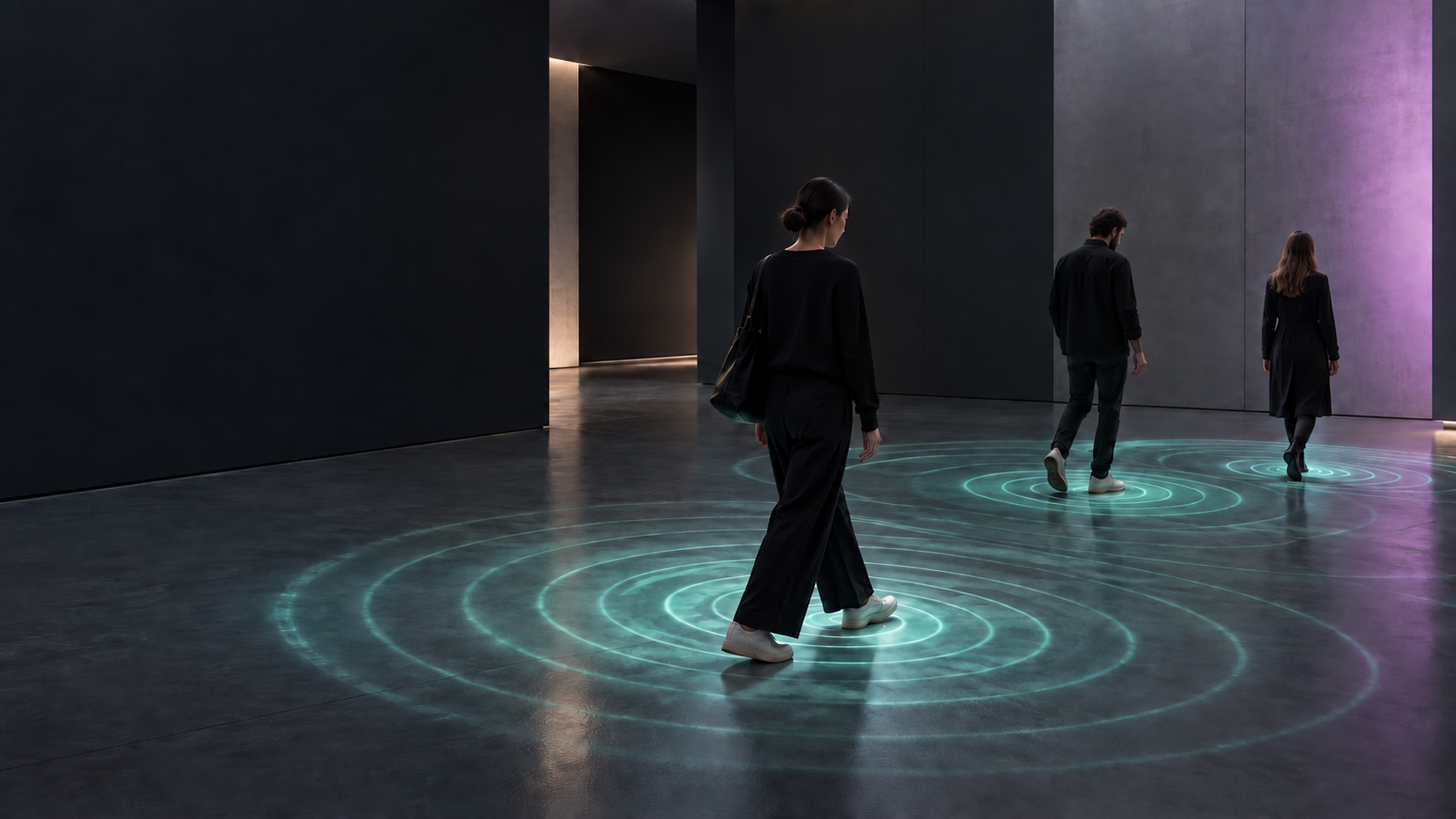
01 / A connection between two worlds
Unloop Spatial Studio connects the space you build with the experiences you create.
Draw a room, position your ZED cameras and explore their coverage. Align tracking to your space, then send people’s positions to the applications that bring your installation to life.
02 / See the whole space
Switch between a precise 2D plan and an isometric view. Understand camera placement, mounting height and coverage before setting up on site.
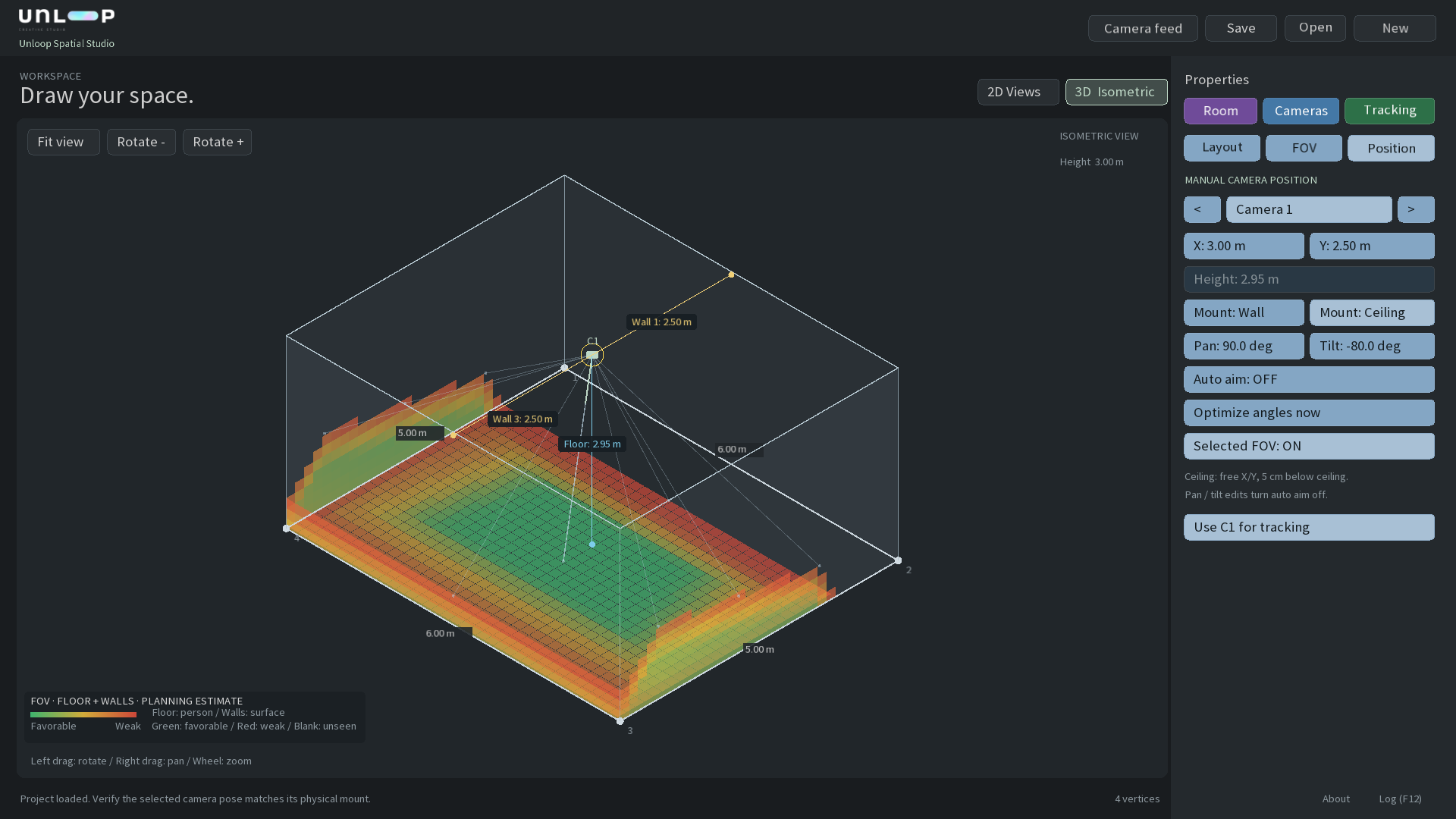
Define the floor plan, dimensions and wall height around the space you are working with.
Mount to a wall or ceiling. Adjust position, pan and tilt, with distance guides to help you align.
Explore estimated coverage across floors and walls, in 2D and isometric views.
03 / Room to grow
Compare layouts with one, two or four planned ZED positions. From a compact studio to a gallery with a more complex floor plan.
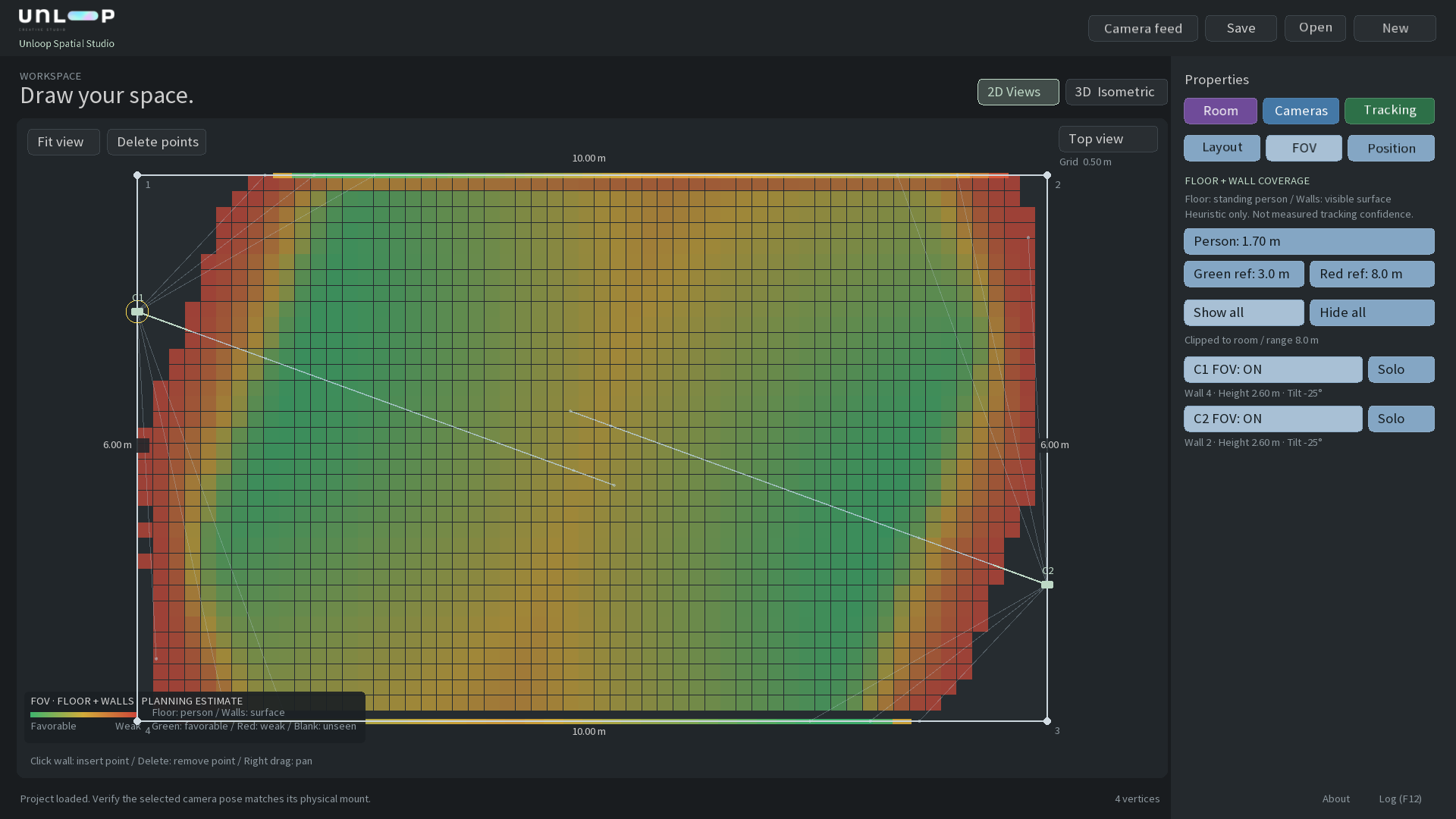
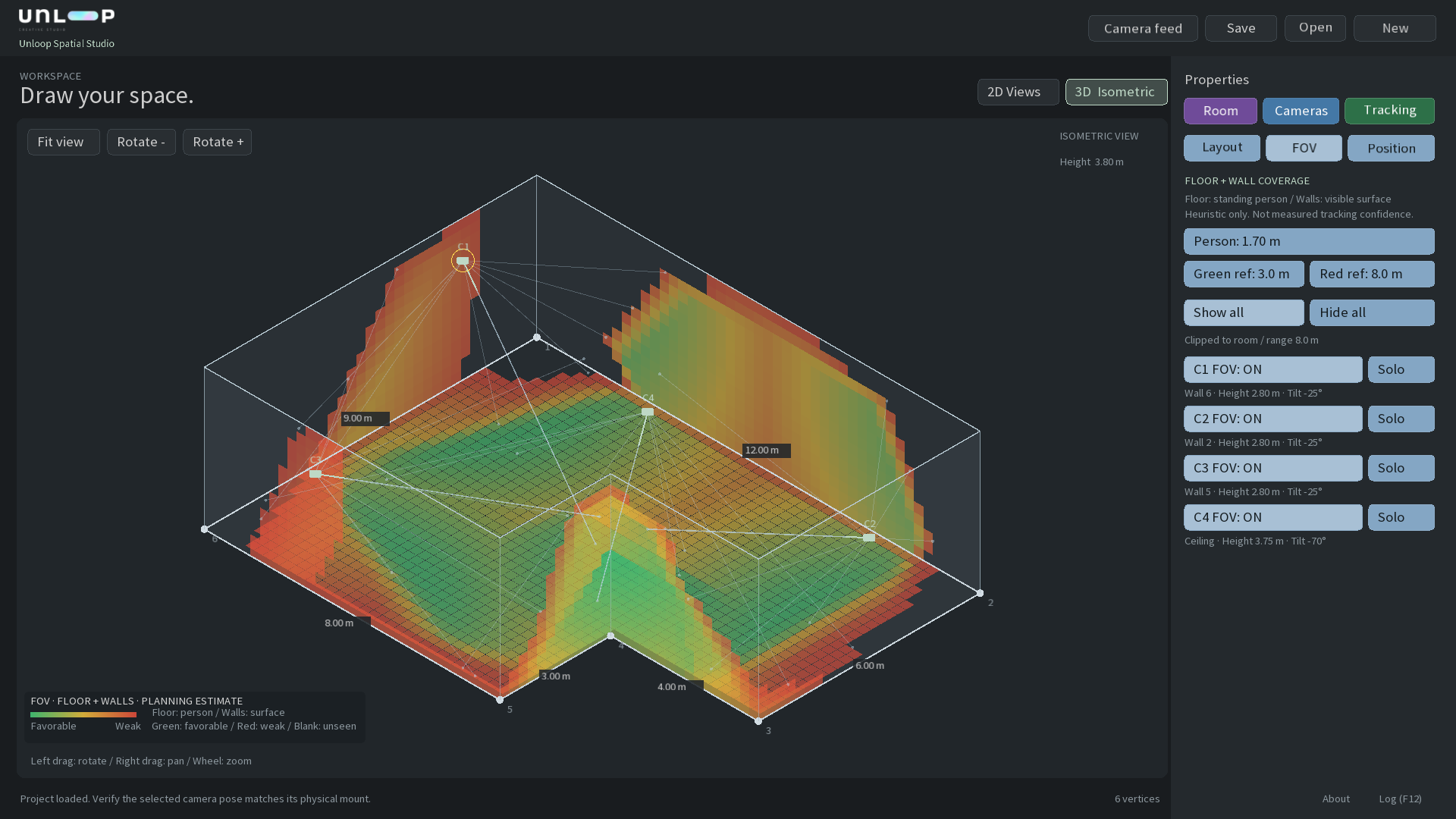
Coverage is a geometric planning estimate. These layouts do not demonstrate validated simultaneous multi-camera tracking.
04 / From setup to output
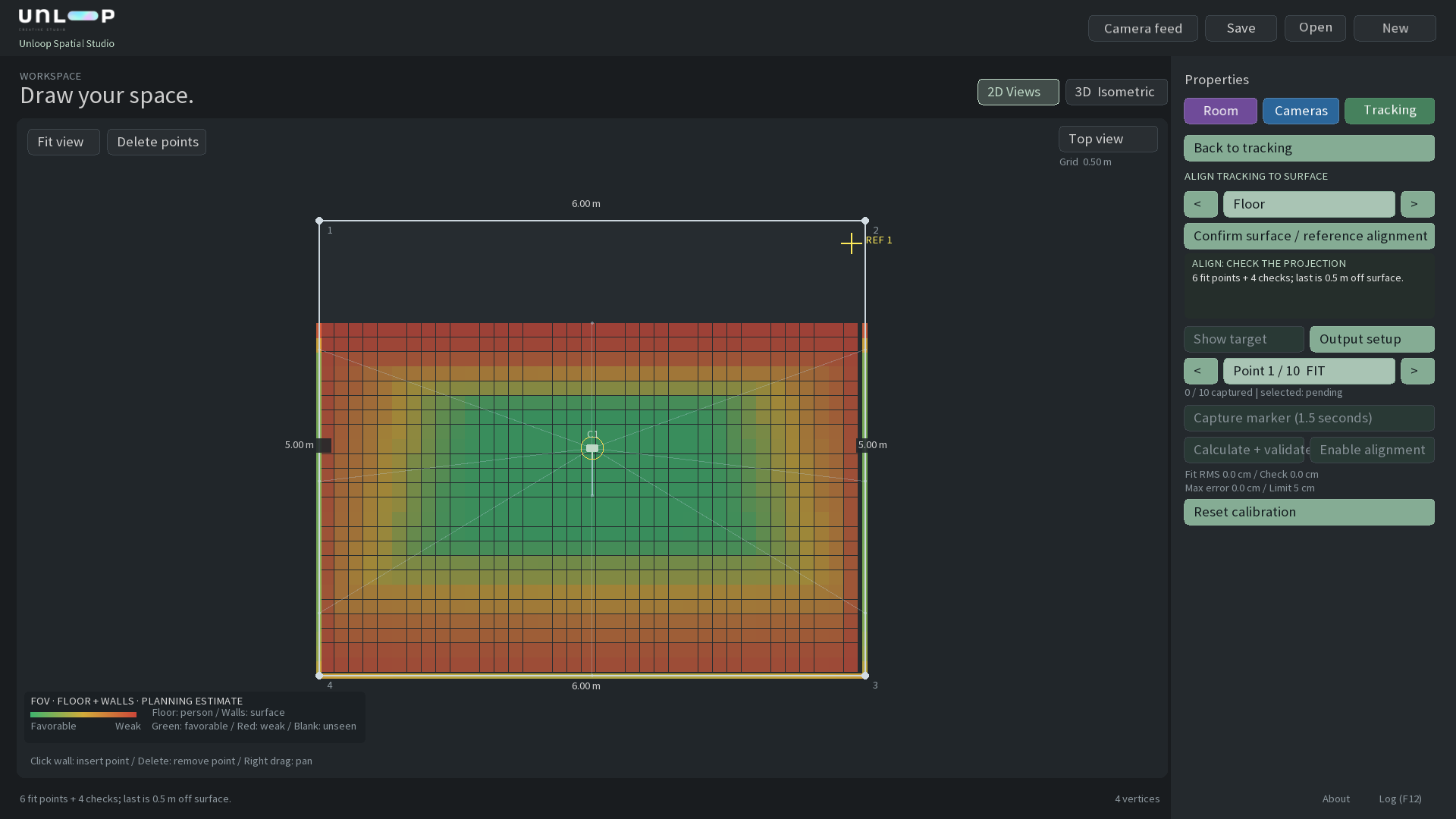
Use marker-based calibration to align camera tracking with the floor or walls of your room. Capture reference points, calculate the alignment and check the result.
Reference points / Marker capture / Alignment validation
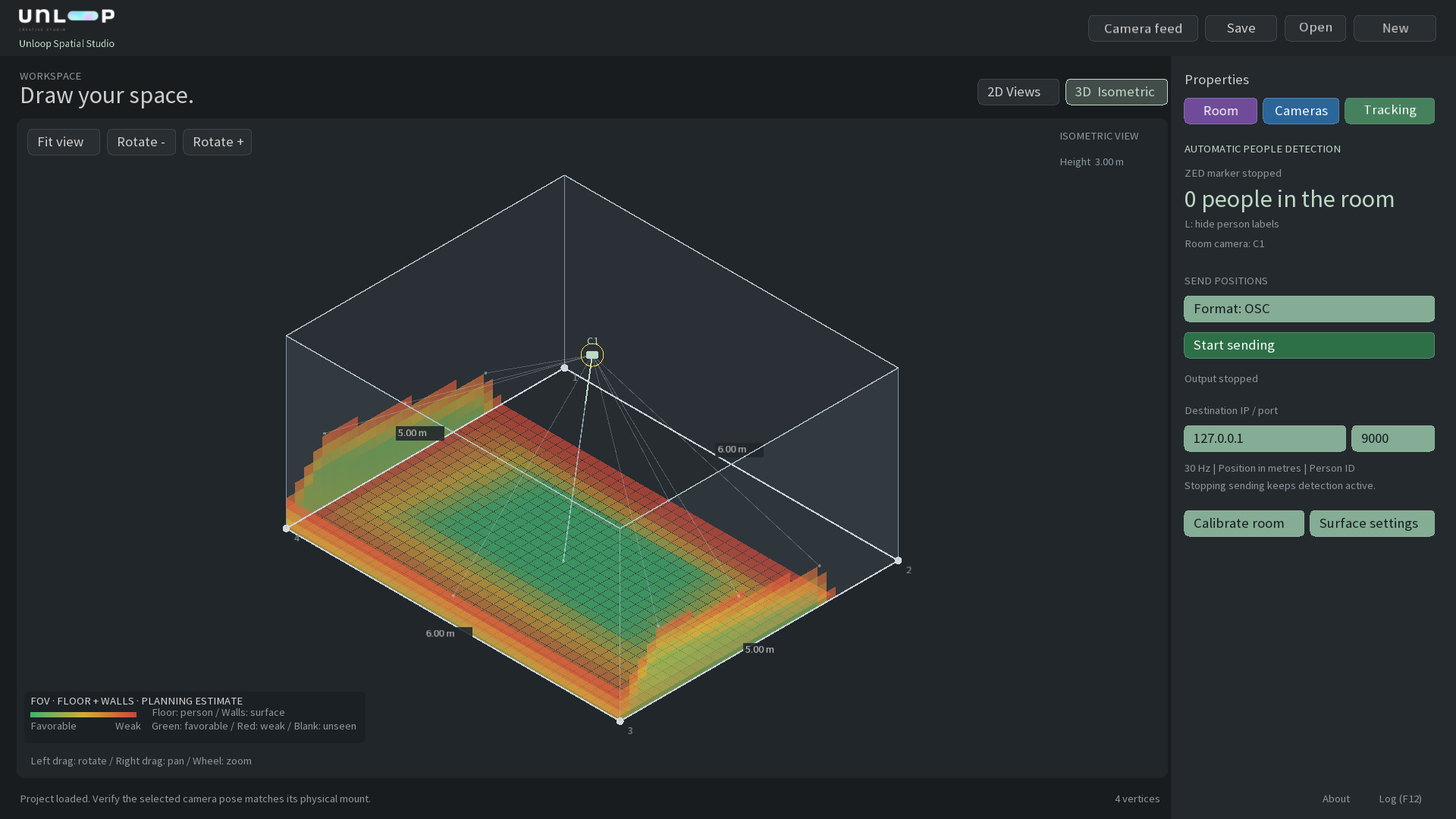
Detect people automatically with ZED. Choose OSC or JSON, set your destination and start sending positions to your interactive application.
Person IDs / Positions in metres / OSC or JSON
Built for experiences
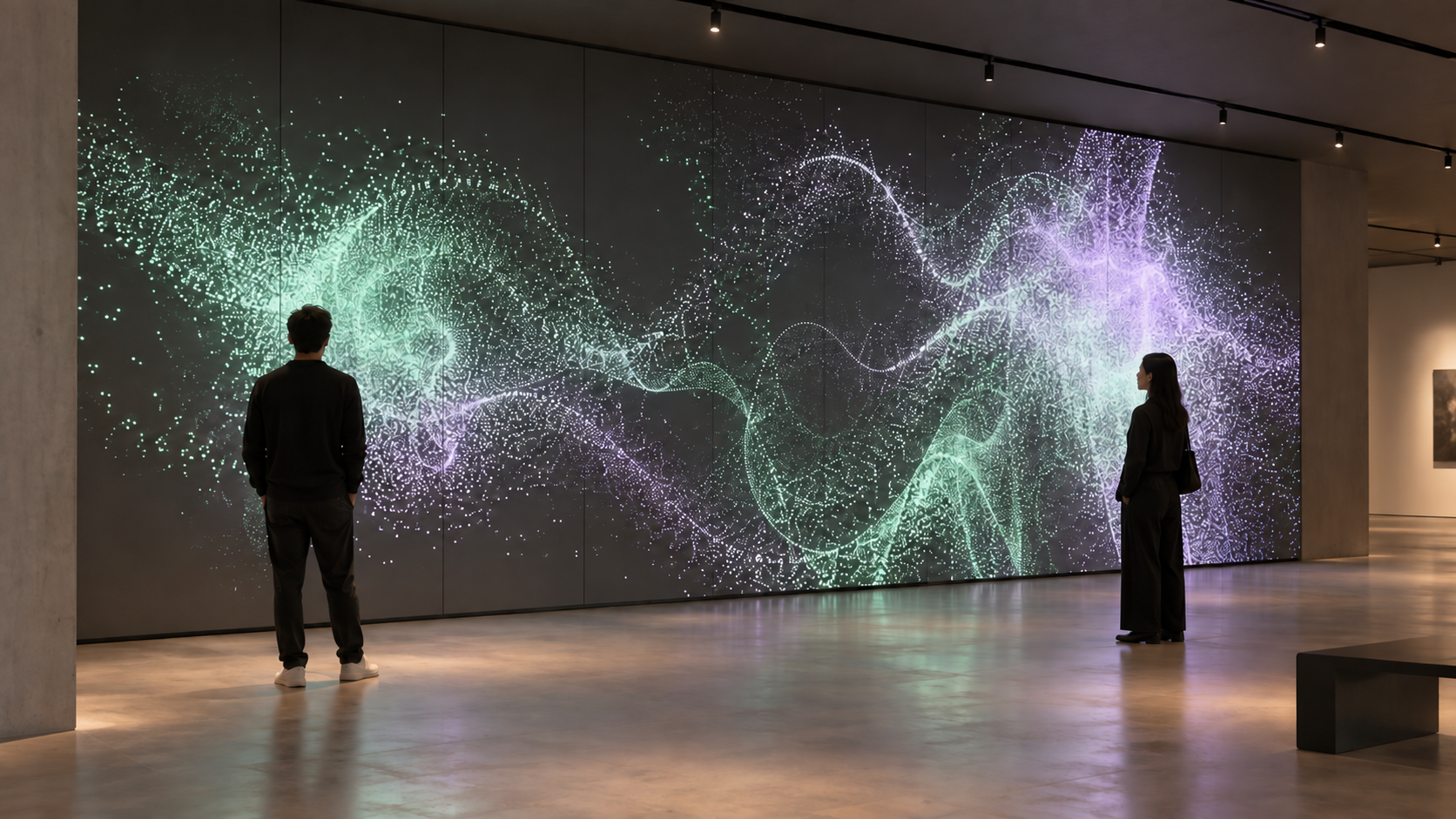
Interactive floors. Responsive walls.
Exhibitions that react to presence.
Illustrative concept. Interactive content is created in an external application.
The next step starts here
Currently in development for Windows, for use with ZED cameras. Built by Unloop for the people creating spatial and interactive experiences.
Let’s talk about your space ↗Available in Q1 2027.
Unloop Spatial Studio is independently developed by Unloop. It is not affiliated with, endorsed, sponsored or supported by Stereolabs, the company behind ZED cameras.